
Security for Second Life land
Your land, guarded around the clock.
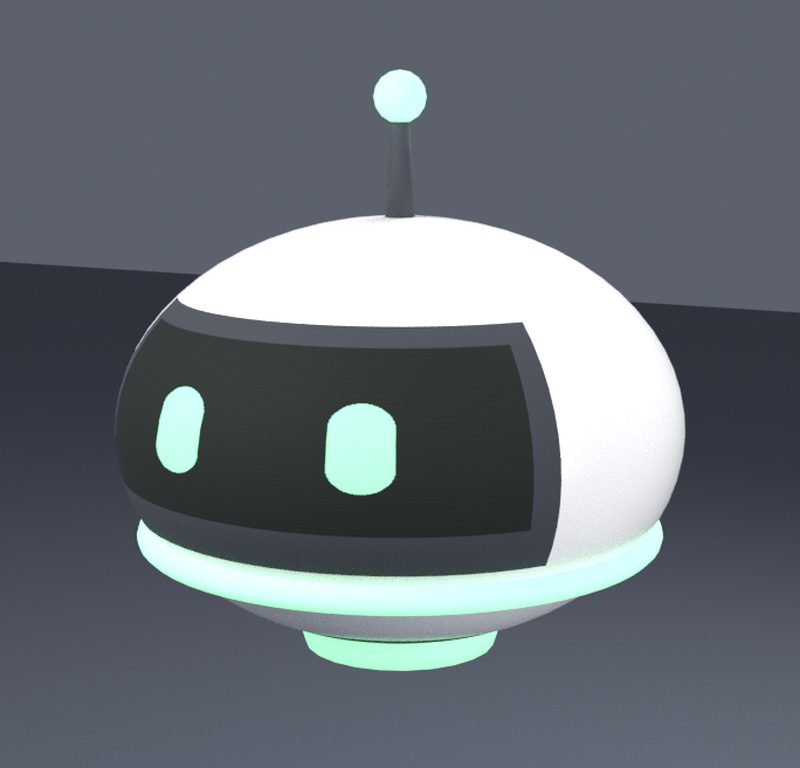
A friendly little robot that watches your region, warns anyone who shouldn't be there, and removes them if they don't leave. You choose the places and the people; it never sleeps.
L$1,899 onceEvery feature, every updateWorks even if our website is down
How it works
Protected in three steps
No notecards, no scripting. Touch the orb in Second Life, or set everything on the website.
Rez the orb
Anywhere in your region: it sees all of it. Touch it and choose Website to connect it to your account.
Mark your areas
The whole region, a parcel, or draw a box or any shape with markers. Then add your friends to the guest list.
Arm it
Visitors who may not be there are warned in chat, then ejected or sent home when the warning time is up.
Areas
See every area on the map
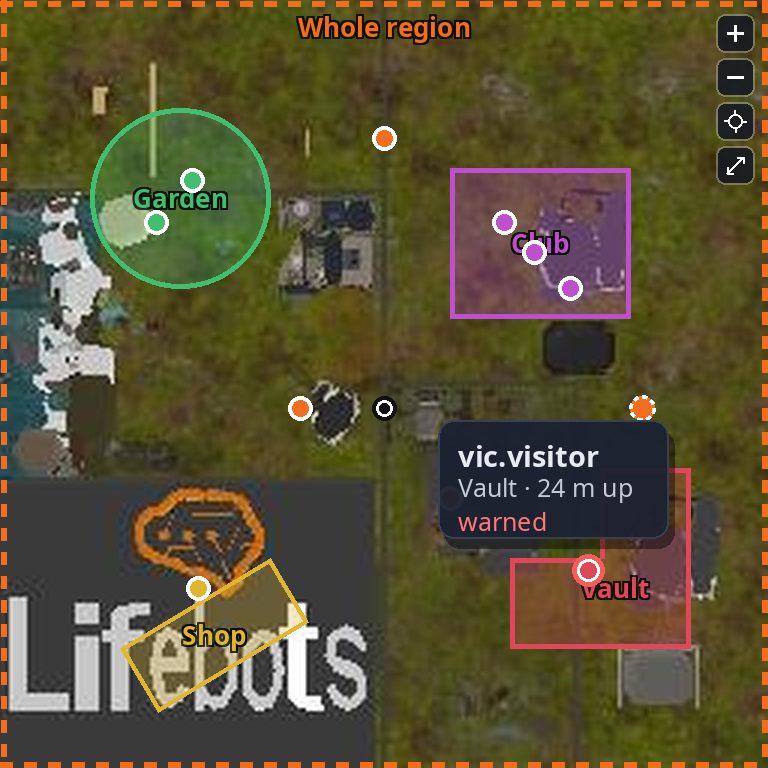
Your orb's page shows its region's Second Life map with every area drawn on it, and everyone in them. Point at an area to see exactly what applies there, or at a person to see who they are.
- Six kinds: region, parcel, range, box, turned box or any shape
- Give any area its own rules: age, scripts, render, no-fly, what happens
- A small area inside a big one has its own rules there
- Change names and heights on the web; markers show and move them in-world
- Live dots show who's where while the page is open
- Zoom in, drag around, and see each parcel's real outline
The orb
A guard you can read at a glance
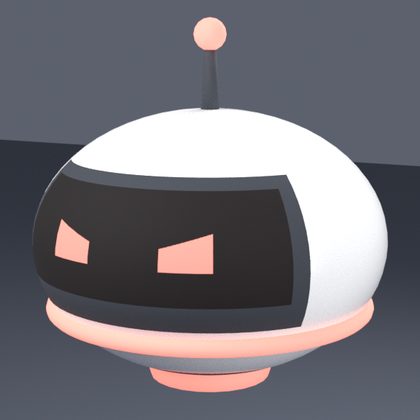
Its face shows its mode from across the room: calm when it's off duty, watchful when it's armed, and angry in lockdown. It blinks and bobs gently while it works.
- Arm, disarm and lock down by touch, on the web, or from your phone
- Admins get a pop-up when a stranger arrives: allow, guest or ban
- Floating text shows its mode and who's in its areas, or hide it


Group land
The Enforcer, for land your group owns
Second Life only lets an object remove people from land its owner controls. Put an Enforcer on each group parcel and deed it to the group, and your orb can act there too: eject, send home, ban and return objects.
- One per parcel that needs it, working for all your orbs
- Only ever takes orders from your own orbs
- Light or dark, or completely hidden

Everything included
All the tools to keep your land yours
Every feature in the one pack, with every update to come.
Access lists
Admins, subadmins, guests, temporary guests and bans, up to 500 people, in-world or on the website.
Arrival questions
When someone nobody knows arrives, your admins get a pop-up: allow them, make them a guest, or ban them.
Lockdown
One touch removes everyone not on your lists at once, and ends by itself when your people have gone.
Private by default
Only the people on your lists may stay; everyone else is warned, then removed.
Account age
Keep out throwaway accounts younger than the number of days you choose.
Scripts and render limits
Keep laggy avatars out of the places that need to run smoothly.
No-fly zones
Flying visitors are warned, then dealt with like anyone else who may not stay.
Eject, home or ban
Eject, teleport home, add to the parcel ban list, and return what they left behind.
Six kinds of area
The whole region, a parcel, a range, a box, a turned box or any shape, up to 20 per orb.
Most specific wins
Draw a small area inside a big one: in it, its own rules apply; everywhere else, the big one's.
Show and edit
Markers fly back to an area's corners in-world, to see it or move it; name and heights on the web.
Visitor tracking
Who came, when, for how long, whether they've been before, and what happened to them.
Notifications
Warnings and ejections in local chat, by IM, or from your own LifeBots bot.
Manage from anywhere
Arm, disarm and change everything on the website, from your phone too.
Group land
The Enforcer lets your orb act on group-owned parcels, never a neighbour's.
Live map
While your orb's page is open, a dot shows where each person stands, red if they've been warned. It updates every 15 to 30 seconds; zoom in and drag to look around.
Keep bots out
Turn on Disallow bots to remove accounts Second Life lists as bots. Want one in? Put it on your guest list and it's welcome.
Parcels in their real shape
Each parcel is drawn on the map with its true outline, so you see exactly where your land ends.
Tenants see their areas
A tenant's page shows their orb's areas on the map, with what applies in each.
Health check
Your orb's page tells you it's working, and warns you if any part of it stops or its storage runs low.
Built for busy regions
Tested with 100 visitors at once, 20 large areas and 500 people on its lists, without missing a beat.
Keeps getting better
New features reach your orb without replacing it.
With LifeRental System
Security your tenants control
Already renting with LifeRental System? It's the same account, and your orbs appear in your rental dashboard too.
- Link an orb to a rental on its page.
- The tenant and their extra tenants can arm it, disarm it and choose their guests, and see its areas on the map, from the orb or their tenant page.
- Your staff are its admins, and it changes hands by itself when the rental does.
Pricing
One price, no monthly fee
Everything you need, and every update to come.
Life Security
For anyone with land to protect: a home, a club, a store or a whole estate.
Your website account and every update included
- The Life Security Orb
- The Enforcer, for group land
- Every feature, up to 20 areas per orb
- The website, on its own and in your LifeRental dashboard
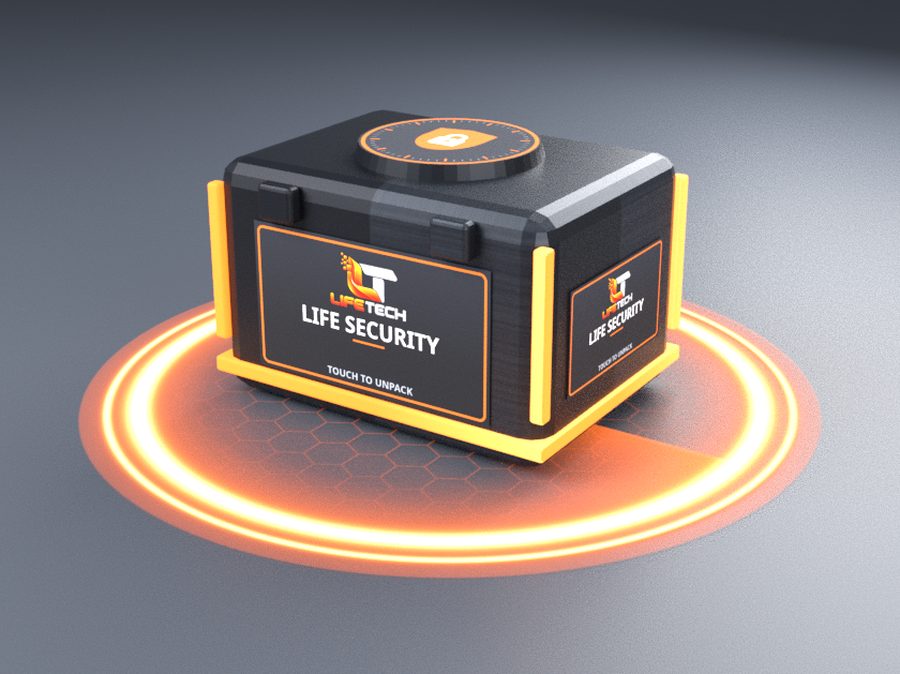
Or buy it in-world at the LifeTech Store in Second Life.
Does it keep working if your website is down?
Yes. The orb makes every decision itself, inside Second Life. The website is where you set it up comfortably, see your visitors and manage it from anywhere.
How far does it see?
The whole region it stands in, at any height, from the ground to a skybox at 4,000 m. It doesn't see into neighbouring regions: use one orb per region.
Do I need one orb per parcel?
No. One orb covers every parcel you control in its region, with up to 20 areas. Use more when different people should be in charge, like each tenant of a rental.
Can it eject people from group land?
Yes, with the Enforcer: put one on each group parcel and deed it to the group. On land you own yourself, the orb ejects and sends people home by itself.
Can it affect my neighbours?
Never. Second Life only lets it remove people from land you own or your group owns. There's also an option to ignore everyone outside the orb's own parcel.
Can different places have different rules?
Yes. Give any area its own rules on the website: an 18-day minimum age and no flying in the club, while the rest of your region stays open to all.
Does it cause lag?
Very little. Its work is shared between small scripts, it looks around a few times a minute, and it only sends live positions while someone has the map open. Discreet mode checks even less often.
Can it keep bots out?
Yes. Turn on Disallow bots to remove avatars Second Life lists as bots. If there's one you trust, add it to your guest list and it's let in.
Can I see where people are right now?
Yes. While your orb's page is open, the map shows a dot where each person stands, with their name and area when you point at it. It isn't instant: it updates every 15 to 30 seconds.
How busy can my region be?
We tested an orb with 100 visitors at once, 20 large areas of every kind and 500 people on its lists. Its page has a health check that warns you long before it gets near its limits.
I use LifeRental System. Does it work with it?
Yes: it's the same account, and its pages are in your LifeRental dashboard too. Link an orb to a rental, and the tenant and their extra tenants control its security while they rent; it changes hands by itself.
Keep your land yours
Rez the orb, mark your areas and arm it. It watches, warns and removes, day and night.